Prepare a useful source
Find the largest original available, save an untouched copy, and note the intended use: a screen, a presentation, or a print. A screenshot of an already compressed image is a weaker starting point.
Image upscaling guide
If you want a larger image, start by checking what access and downloads are actually available. Vanceai may help with enlargement, but a bigger file is not automatically a sharper or more faithful picture.
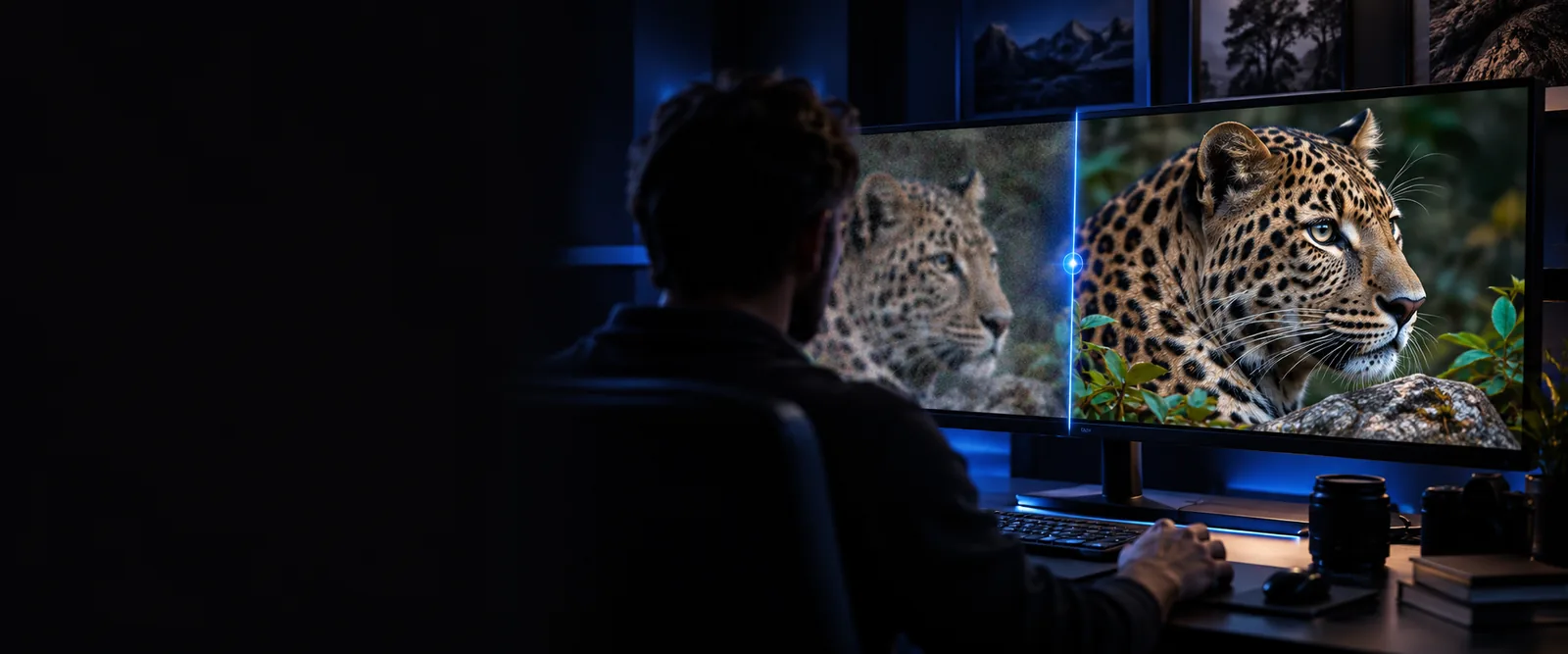
Keep the original file and decide what the enlarged image needs to do before trying any image tool.
Compare enlargement with broader image enhancement when your main concern is overall appearance.
Review the browser-based enhancement workflow if you prefer working online.
Explore restoration when scratches, fading, or age-related damage matter more than image size.
The word free in a search does not establish what a service currently lets you process or download. Verify the terms shown by the tool you choose.
Search results cannot confirm whether a particular Vanceai upscaling run or full-resolution download is currently available without payment.
WorkaroundReview the current upload, preview, and export terms before committing an important image.
An upscaler can estimate pixels, but it cannot know the true lettering or facial details absent from a tiny source.
WorkaroundUse the highest-quality original you have and inspect important details against it.
Compression blocks, noise, and motion blur can become more noticeable when an image is enlarged.
WorkaroundTest a representative image first and compare its edges and textures at the intended display size.
Use the same checks whether you are evaluating Vanceai or another image tool.
Find the largest original available, save an untouched copy, and note the intended use: a screen, a presentation, or a print. A screenshot of an already compressed image is a weaker starting point.
Open the tool's current instructions, check any restrictions on the image and its download, then upload only a file you are comfortable sharing with that service. Choose an enlargement that matches your actual need.
Compare the original and output at the size where people will see them. Check text, faces, straight lines, and fine patterns; keep the result only if those areas remain convincing.
Upscaling changes image dimensions; enhancement addresses a wider range of appearance problems. Choose based on the defect you can see.
Upscaling
Make a small image larger
General enhancement
Improve how an image looks
Upscaling
An image that looks good but is too small
General enhancement
An image with visible noise, softness, or dullness
Upscaling
More output pixels
General enhancement
Changes to clarity, tone, or visible defects
Upscaling
May become larger without becoming accurate
General enhancement
May look cleaner without restoring missing letters
Upscaling
Inspect detail at the required display size
General enhancement
Inspect whether the appearance improved naturally
Upscaling
Confirm enlargement and download terms
General enhancement
Confirm available edits and download terms
A request for free upscaling sometimes points to a different image problem. These starting points help separate them.
A small photo looks acceptable until it fills a slide.
Check the enlarged version at full-slide size; if its overall appearance also needs work, compare enhancement instead.
vanceai image enhancer freeYou want to assess an image without installing desktop software.
Check the current browser workflow and export terms before uploading the original.
vanceai image enhancer onlineAn old photograph is faded and scratched as well as small.
Consider restoration before enlargement so damage is not simply made more prominent.
vance ai photo restorerVanceai search results cannot tell you whether your particular source will upscale well. Try an image workflow, then judge the output against the untouched original rather than assuming that larger means better.
The search phrase alone does not establish current access or download terms. Check the terms displayed by Vanceai before uploading, and confirm what you can save before relying on the result.
That depends on the tool's current export conditions, which this page cannot verify. Look for the download conditions before you spend time processing an important file.
Upscaling increases dimensions, but it cannot reliably reconstruct detail that was never captured. Compare faces, text, and fine edges with the original to see whether the output is useful.
If the image looks good but is too small, start by testing enlargement. If noise, fading, or softness is the main problem, assess enhancement or restoration before making it bigger.