Start with the best source
Choose the highest-quality original available. A less compressed file gives an image model more useful information than a tiny screenshot or repeatedly saved copy.
Image tools explained
If you are asking what is vance ai, the short answer is that Vanceai is associated with AI-assisted image enhancement: software that processes an existing picture to improve its appearance. This guide explains the idea, its limits, and what to check when comparing results.
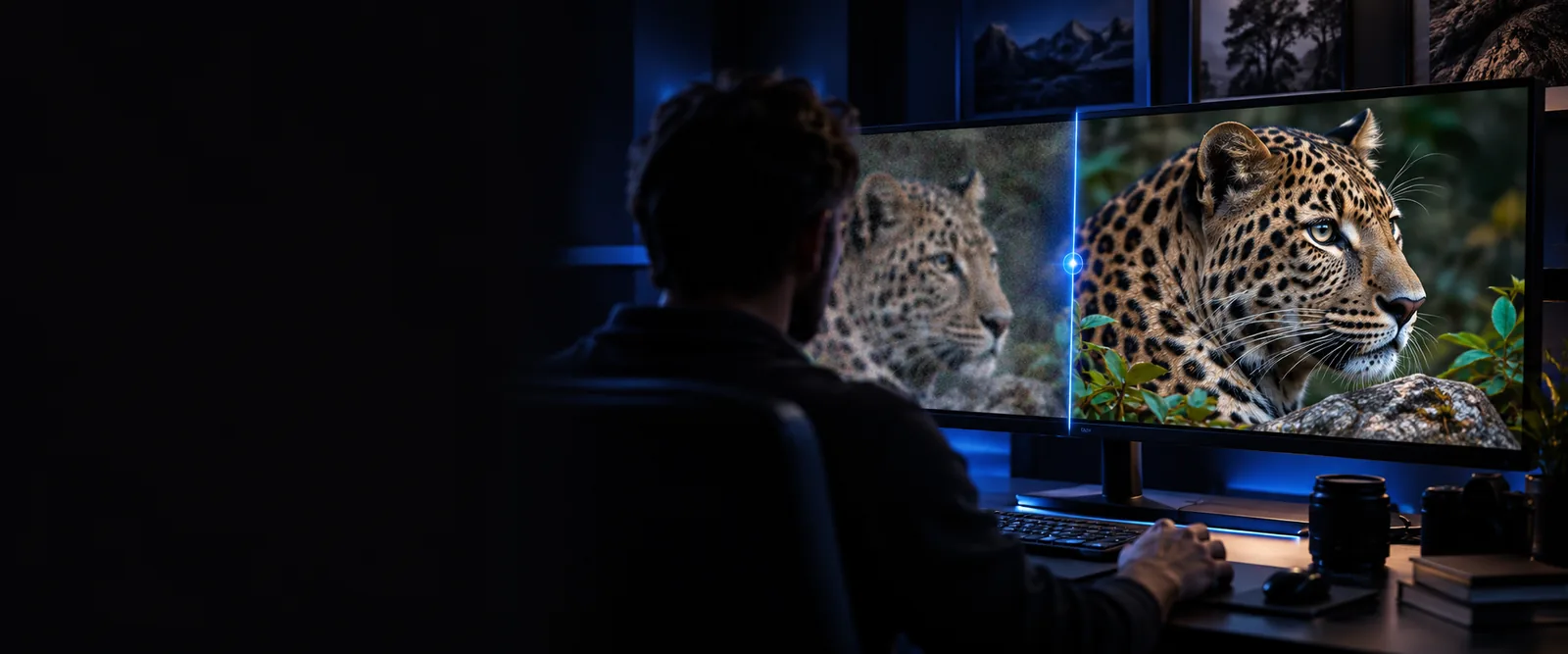
An improved-looking picture is not necessarily a more faithful record. Treat every processed image as something to inspect, not as proof that missing detail was recovered.
Upscaling may make a small image appear clearer, but newly visible texture can be an estimate rather than information from the original scene.
WorkaroundKeep the source file and compare faces, text, and fine edges at the size you plan to use.
Letters on signs, labels, or documents can become distorted when an image-processing model tries to sharpen them.
WorkaroundCheck important wording against the original or a separate, reliable source.
Strong smoothing can remove skin texture, while aggressive sharpening can create halos around edges.
WorkaroundUse the least intrusive result that meets your purpose and inspect it at full size.
A cleaner historical or documentary photograph is still a processed version of the source.
WorkaroundRetain the unedited image and disclose meaningful changes when accuracy matters.
The typical enhancement workflow starts with an existing image. The exact options depend on the tool, so these steps describe the process rather than promising particular controls.
Choose the highest-quality original available. A less compressed file gives an image model more useful information than a tiny screenshot or repeatedly saved copy.
Decide whether the picture needs a larger display size, less visible noise, clearer edges, or repair of age-related damage. These are different goals, and one treatment may not suit them all.
Compare the output with the source at the intended viewing size and at close zoom. Look for changed facial features, invented texture, blurred lettering, or an unnatural edge.
Once you know what enhancement is, the useful next question is which task you actually need to complete.
Enhancement and generation are often grouped together as AI image tools, but they answer different requests. This comparison helps identify which kind of result to expect.
Image enhancement
An existing image
Image generation
A description or other creative input
Image enhancement
Change the appearance of the supplied picture
Image generation
Create a new visual
Image enhancement
Reduce visible noise or improve apparent clarity
Image generation
Depict a scene that has not been photographed
Image enhancement
The output should remain recognizably based on the input
Image generation
There may be no original photograph to preserve
Image enhancement
Were important source details changed?
Image generation
Does the created image match the intended concept?
Image enhancement
Estimated details may look like recovered facts
Image generation
Created details should not be mistaken for documented facts
People turn to image enhancement for different reasons. The right test is whether the processed picture serves its intended use without changing details that matter.
An older print looks soft or marked after scanning.
Compare a restored version with the scan while keeping the original intact.
vance ai photo restorerA product photo looks noisy or lacks clarity on a web page.
Inspect the edited image for accurate color, labels, and product edges.
vanceai image enhancer onlineA supplied image must fit a larger layout.
Assess whether an enlarged version holds up at its final display size.
vanceai image upscaler freeA photographed page is difficult to read.
Prioritize checking the actual words over making the page look smoother.
vanceai pdf enhancerIf your aim is a clearer existing picture, compare the result against its source before relying on it. If you need a new visual instead, look for a creation workflow rather than assuming enhancement will invent the scene you want.
Vanceai is associated with AI-assisted tools for processing images, including tasks such as improving apparent clarity and enlarging pictures. The useful distinction is that enhancement starts with an existing image rather than creating an entirely new scene.
The name is commonly encountered in connection with image enhancement. Enhancement modifies a supplied picture, while generation creates a new visual from a creative input; check the particular tool you intend to use rather than assuming all AI image tools work alike.
No result should be treated as guaranteed recovery of details the camera did not record. A model may estimate plausible texture or edges, so compare the output with the original when identity, wording, or historical accuracy matters.
Inspect faces, text, colors, and fine edges at close zoom, then view the picture at its intended display size. Keep the original so you can spot changes that make the output look cleaner but less faithful.